
Reasons universities struggle with content governance — and how to fix it.
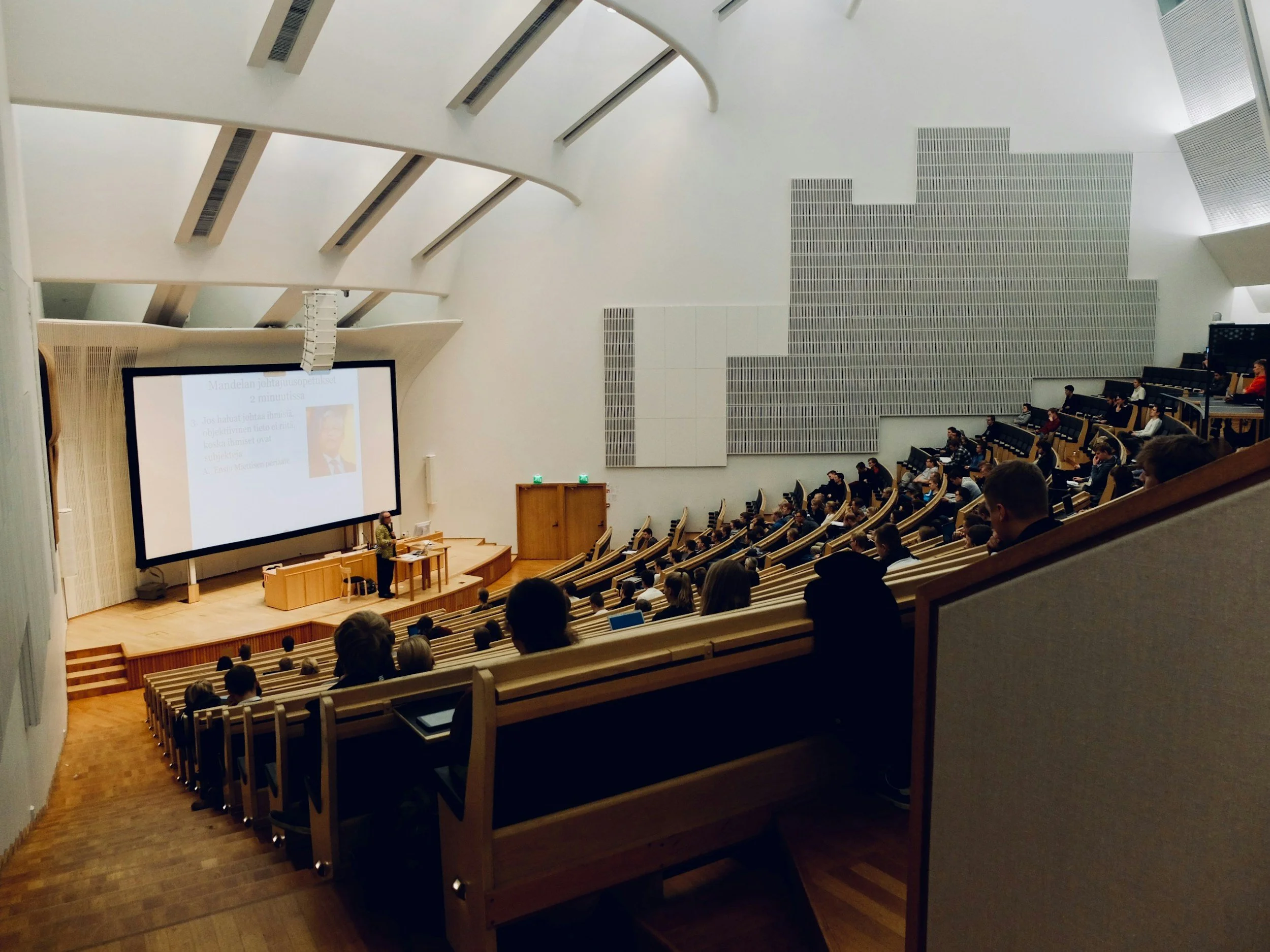
University websites are among the largest and most complex digital estates. Thousands of pages. Dozens of editors. Years of legacy content. And usually… very little time to look after it all.
Over the years, I’ve seen the same issues appearing. None of them come from bad intentions. They come from busy teams, competing priorities, unclear ownership, institutional politics and an understandable desire to ‘just get it online’ before the next crisis email arrives.
Here are some of the biggest reasons universities struggle with content governance, and some practical, realistic ways to make life easier.
1. Too Many Cooks
When lots of editors publish without a shared approach, things get messy fast.
Everyone means well. Everyone is trying to help. But without any guidance, the content ends up :
Landing wherever someone happens to have publishing access.
Pages written in six different styles.
Tagged with anything and everything (‘better safe than sorry…’).
Duplicated across multiple sites or pages because nobody knows what already exists.
Three or four pages trying to do the same job, because every team creates their own version.
What ends up is a site where well-meaning people are working hard in isolation, rather than working as a team across the digital estate.
Practical solutions:
Introduce lightweight, friendly governance that supports, not restricts, editors:
A simple publishing guide (‘what type of content goes where’).
Shared tone of voice guidelines.
A joined-up IA map across the whole faculty or institution.
Editors’ meet-ups to share updates and avoid duplication.
Clear page ownership, so nothing gets lost.
Just knowing where a page should live (and where it already lives) can solve half the battle.
2. Politics > Users (Also Known as the Land-Grab Problem)
Now let’s talk about the thing nobody really wants to say out loud: Internal politics shapes university websites far more than user needs.
For example:
A director wants a team in their portfolio → suddenly x team’s content ‘has to live’ under x faculty.
A head of department wants more visibility → so a new section appears, even if students will never look for it there.
A senior academic insists their project must be on the homepage → even if it’s not relevant to external users at all.
This isn’t malicious. It’s human. People want their work seen, and the website feels like the easiest place to achieve that.
But the user doesn’t care who ‘owns’ the content. They just want to find what they came looking for.
Practical solutions:
Be clear about the purpose. If a request doesn’t support the user journey, the page goal or the wider content strategy, it shouldn’t go on that page - no matter who asks.
When you’re clear about what you’re trying to achieve, your team have the power to redirect the request. “Yes, we can include this. Based on our goals, this page’s job is to X, so the right place for this content is here, not the home page.”
Data helps too. Even light-touch analytics and top-task research give teams the confidence to challenge requests with evidence - “this is what our users respond best to”.
When you combine strategy and data, the emotion drains out of the conversation. You’re not saying no, you’re telling them how we can make this work for the user.
3. Content Grows… and Never Dies (Because Nobody Has Time)
Universities are brilliant at producing content.
Deleting content? Not so much.
Partly because teams are time-poor.
Partly because there’s no process for archiving.
Partly because the server is big enough that nobody feels the pressure to remove things.
And partly because people worry an academic will get upset or angry if ‘their page’ disappears.
So content stays forever. Old policies, outdated strategies, abandoned projects, duplicated course pages, three versions of the same leaflet - all still live and still indexed.
During a migration, this gets amplified. Teams run out of time, panic, and move everything into the new site, just in case.
Practical solutions:
Instead of asking busy teams to magically ‘review everything’, build processes that make tidying a normal part of the job:
Set an expiry date on new content so no one is surprised later.
Explain why things might be removed (it’s not deleted forever — just archived).
Make archiving normal and safe with clear lifecycle rules from the start.
Create small, regular tidy-up cycles instead of once-in-a-decade audits.
People aren’t against deleting content — they just need safe, supported ways to do it.
4. The “Where Does This Even Go?” Problem
This challenge sits somewhere between governance, information architecture and daily survival.
When the site structure isn’t intuitive (or nobody can remember who owns what or the goal of the page), content ends up being placed wherever the editor decides (or has access to). Pages float around with no real home and the logic of the site slowly unravels.
And when in doubt, PDFs become the universal quick fix.
Need to publish something quickly → PDF
Got a strategy? PDF.
Policy? PDF.
Poster? PDF.
Student guide? PDF.
PDFs feel tidy at the time, but they pile up quickly, aren’t accessible, aren’t tailored to the user’s needs, bypass the site structure, are difficult to update, and rarely get deleted. They become a digital dumping ground.
Practical solutions:
Help editors understand:
The structure and purpose of the site and the pages.
Why content sits where it sits.
What the user is actually trying to do.
When a page should be a page, not a PDF.
When the team know the job of each page and how the structure is meant to help users, the uncertainty disappears. Editors make better decisions. The number of floating pages drops and the whole site feels calmer and easier to manage.
5. No Accountability, No Measurement, No ROI
So many university sites are rebuilt at enormous cost… and then left to fend for themselves.
Not because people don’t care. But because no one has defined:
Why the site exists
What success looks like
Which pages matter most
What users need to do on each page
How they will measure whether the site is working
Without goals, everything feels equally important. And when everything is important… nothing gets maintained.
Practical solutions:
Set simple, helpful goals before publishing anything:
‘The purpose of this page is to help X user do Y task.’
‘Success looks like more enquiries / fewer emails / clearer journeys.’
‘This page will be reviewed in six months.’
When a page has a job, it becomes easier to improve, measure, and yes, sometimes delete.
6. Time-Poor Teams + Large Estates = Governance Gaps
This is the thread running through almost everything above.
University comms teams juggle: events, crises, newsletters, research announcements, social media, senior leadership requests, student campaigns… and somehow the website on top of that.
Governance isn’t failing because teams don’t care. It’s failing because teams don’t have time. The key is to design governance that saves time, not adds to it.
Practical solutions:
Use templates and components that reduce rewriting.
Create a clear inbox for content requests.
Keep tidy-ups small and regular, not enormous and rare.
Build a supportive editor community that shares the load.
Give people publishing confidence through guidance, not rules.
Good governance should feel like help — not homework.
So… How Do We Move Forward?
Content governance in universities will always be a challenge. Large institutions. Large digital estates. Large expectations.
But with the right foundations (clear ownership, shared structure, supportive processes, and user-centred thinking), it becomes manageable. Dare I say, even enjoyable.
Summary actions:
While you may not have time or headspace to immediately develop a website strategy, try starting with:
Develop an owner list - page name, purpose, owner, last updated, review date.
Define content lifecycles - publish, review, update/archive, delete if irrelevant.
Write a one-page publishing guide - how we work, what belongs where, tone of voice, request and approval processes.
Define goals for top pages - who the page is for, user needs and what success looks like.
Run quarterly tidy-ups - clear old news, delete outdated PDFs, archive events and remove duplicate pages.
A consistent set of templates - calls-to-action, case studies, news.
Run editor meet-ups - share common issues, avoid duplication, celebrate tidy-ups, share updates.
Measure one or two simple metrics - top pages, news with no views, top exit points.
When teams feel confident, supported and connected, everything improves:
The site gets cleaner.
The content becomes clearer.
The user experience becomes smoother.
And the institution finally regains control of its digital estate.
If your team would benefit from extra support (a workshop, a content audit, or a governance plan), just reach out.
I specialise in helping teams regain control of their websites in a way that feels simple, structured and achievable.

If this sounds familiar
Get in touch today
Share this article